
How to read data from TZ-BT04/05/05B sensor
Revision as of 08:23, 14 November 2023 by Justinas.strelciunas (talk | contribs)
Main Page > Frequently Asked Questions - FAQ > How to read data from TZ-BT04/05/05B sensor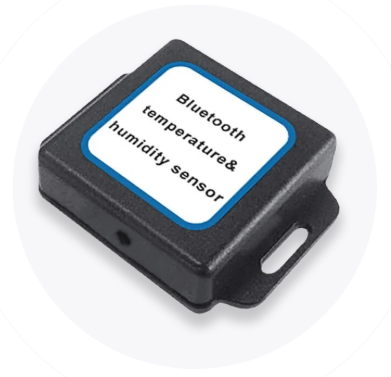

First the device Bluetooth settings need to be configured. These are the required steps:
TZ-BT04_05_05B_data

Disclaimer
If you are not using Bluetooth, please consider turning it off or change Bluetooth PIN to remove potential risks.
If you are using Bluetooth we strongly recommend using AES encryption for enhanced security.
Configuration
These are instructions on how to easily read data from TZ-BT04/05/05B Bluetooth LE sensor with Teltonika device.First the device Bluetooth settings need to be configured. These are the required steps:
- Press
Bluetoothsettings.
- Turn on BT Radio by pressing
Enable (hidden)orEnable (visible).
- Turn on BT Radio by pressing
- Press
Bluetooth 4.0settings.
- Select
TZ-BT04/05/05B sensorin BLE connectionless functionalities section. - Type your TZ-BT04/05/05B ID in
IDfield. - After all these steps press
Save to deviceto save configuration. - To start BLE scan right away press
Discover BLE.
- Select
- Press

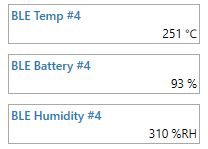
To check if the device has already received data from TZ-BT04/05/05B Bluetooth LE sensor, follow these steps:
- Navigate to
Statussection. - Press
I/O Infoand look if BLE Temp, BLE Battery and BLE Humidity has any values.
- Navigate to