
.NET Runtime for Desktop installation
Revision as of 14:58, 2 June 2022 by 212.59.13.227 (talk)
Main Page > Frequently Asked Questions - FAQ > .NET Runtime for Desktop installationFile:.NET framework1.png
.NET framework installation
When you will get notification about the installation of the newer .NET framework version, please click on “Qui” button:

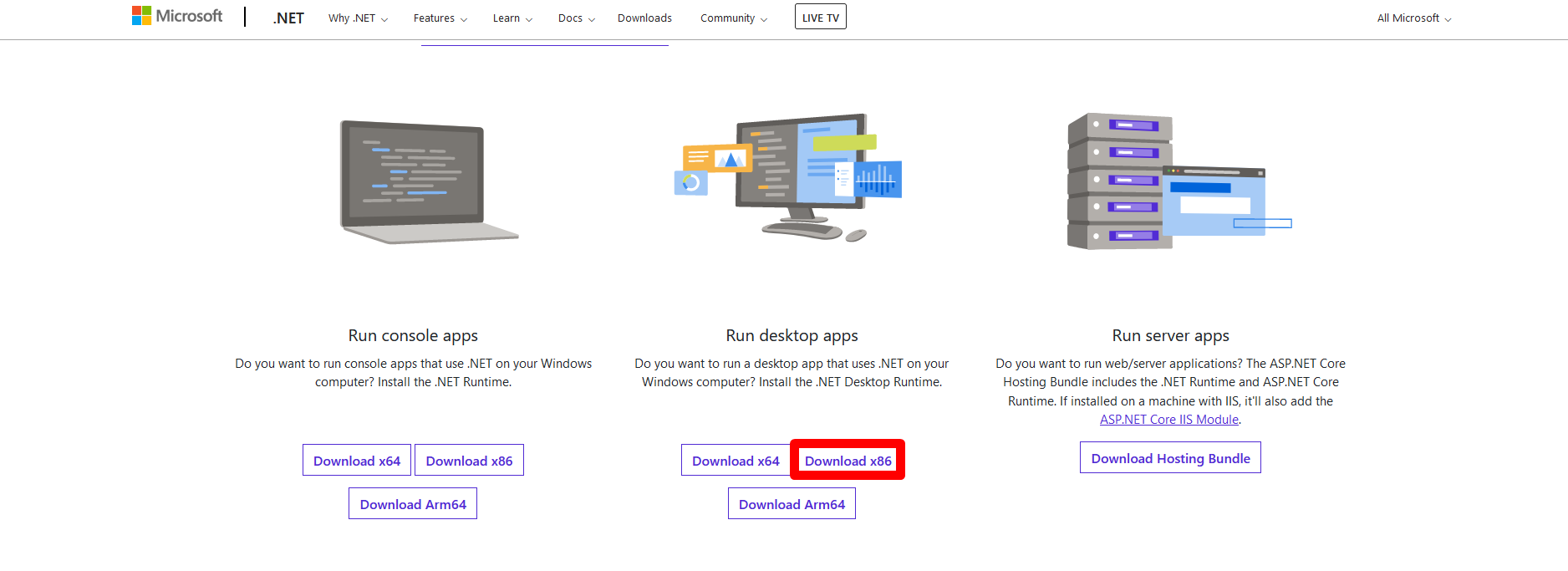
Then, when you will receive below provided window, please click on “Download x86” button which you will find under “Run desktop apps”:

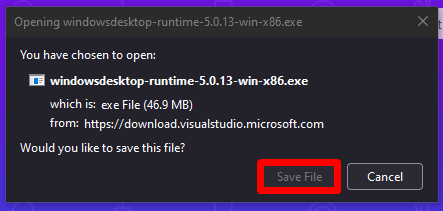
In a pop-up window please click on “Save File” button:

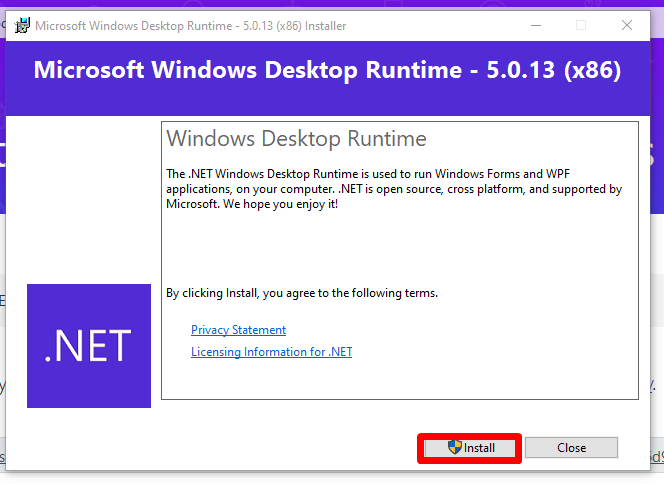
Then, open the file and start the installation of the .NET framework:

After successful intallation, please try to open “Teltonika Cofigurator” for FMB641, again.